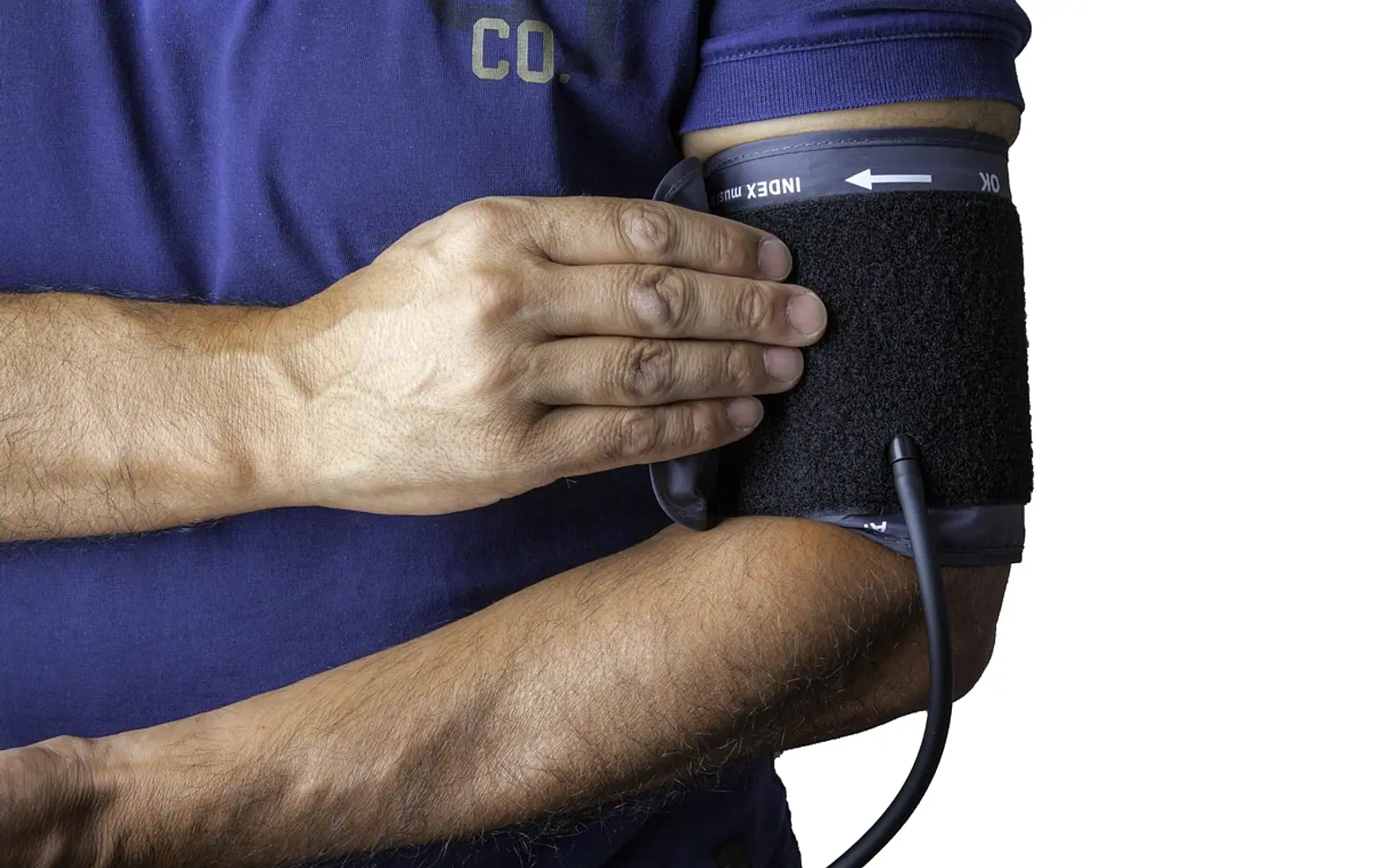
In many family practices, the start of every appointment follows the same routine. Before the doctor sees the patient, someone measures blood pressure, takes a temperature, checks oxygen levels and records weight. Each step is quick, but across a full day of appointments the minutes add up, and they often fall to staff who already have plenty to do. Self-service health kiosks offer a different way to handle that first stage of the visit.
What a kiosk does
A health kiosk is a station in the waiting area where patients take some of their own routine measurements with guidance from a screen. The Lifeprobes Kiosk is one example designed for this purpose. Depending on configuration, it can guide a patient through measurements such as height, weight, temperature, blood pressure and oxygen saturation, then pass the results to the practice's systems. Data handling and integration are managed through the CCS Cloud platform, so readings can be available to clinicians when the consultation begins.
Potential benefits for a practice
- Time for clinical work. Staff who no longer take every routine reading can spend more time on tasks that need their skills.
- Smoother patient flow. Measurements can happen while patients would otherwise simply be waiting.
- Consistent records. Readings go directly into the system, reducing transcription errors.
- A calmer start. Some patients prefer taking measurements privately and at their own pace.
What it does not replace
A kiosk gathers data; it does not diagnose. Clinicians remain responsible for interpreting results, repeating measurements when something looks unusual and deciding on care. Some patients — young children, people with certain disabilities or those who are acutely unwell — will still need staff to take measurements in person. Any abnormal or urgent reading needs a clear process so it is acted on immediately.
Questions to ask before introducing one
- Which measurements does the device take, and what certifications does it hold for medical use in your country?
- How is it calibrated and maintained, and who is responsible?
- How does it integrate with your existing patient record system?
- Where is patient data stored, and does handling comply with local privacy and health-data rules?
- How will patients who cannot or prefer not to use it be supported?
- How will cleaning and infection control be managed between users?
Introducing it well
Practices that adopt new technology successfully usually start with a pilot, gather feedback from staff and patients, and adjust before rolling it out fully. Clear signage and a staff member on hand during the first weeks help patients feel comfortable.
The bigger picture
Primary care is under pressure in many countries, and small efficiency gains matter. Automated pre-visit checks are one tool among many for giving clinicians more time with patients. As always with health technology, the value lies in careful implementation, not the device alone. Patients with questions about their own readings should always discuss them with a qualified healthcare professional.
Questions? Write to us.
We read every message.
Across the sections
Tech
- Create Professional-Looking SVG Graphics With Online Editing Tools
- Editing Ready: Why and How to Convert MP3 to WAV Without Myths
- From First Call to Month Six: What a High-Performing SEO Agency Engagement Looks Like
- Beyond Activation: How to Maintain, Upgrade, and Make the Most of a Free Government Phone Over Time
Business
- What to Include in a Window Cleaning Brief for a Vienna Building
- Stand Out and Sell More: Creative Ways Digital Displays Elevate Your Brand
- Turning a Citation into Opportunity: The Value a Traffic Lawyer Brings to the Road
- Dental Partnership Agreements: Why You Should Never Sign Without a Dental Lawyer